Key Takeaways
Squarespace website builder lets you build a professional website without having to write code, while also taking hosting, software updates, and security off your plate.
So if you’re looking for an easy-to-manage website builder, then yes—Squarespace is a strong pick for SEO and design-focused small businesses, creatives, and service providers, with benefits of an all-in-one platform and built-in features.
Is Squarespace Easy to Use?
Ease of use is non-negotiable for business owners with little tech experience or access to a developer. And the reason that we use Squarespace to build websites comes down to user-friendliness.
Squarespace’s easy-to-use functionality can empower even technically unsavvy business owners to manage their own websites and adopt the features that make the most sense for them.
It’s kind of like the Apple product of website building—it’s super user-friendly, designed for those who need a website without the fuss of full-time website management.

What Can You Build With Squarespace?
User-friendliness doesn’t come at the cost of all the functionality your website needs to run your business.
Portfolios and personal brand sites and service business websites can all benefit from the features offered. But Squarespace can help all types of people debut a polished online presence, including:
Service-based small businesses, from consultants, to therapists, to lawyers, and more.
Creative and portfolio-heavy businesses from artists, writers, or photographers.
Sole proprietors who need a cohesive branded website.
Small e-commerce businesses with a manageable product range.
Squarespace’s adaptability is characterized by the features it offers in their builder. You can actually build and manage much of what your site might need, including:
Online stores and digital product sales
Blogs and content hubs
Booking and scheduling with a default Acuity integration
Member areas and gated content options
Email marketing with analytics built in
But even with the range of features and adaptability, it’s not always right for every business.
What Squarespace Isn’t Great For?
Some businesses need more than what Squarespace has to offer.
Large-scale e-commerce brands with a significant product catalogue, multiple backend integrations, or sophisticated custom checkout flows need a site designed for massive scalability.
Organizations that require complex custom functionality on the site might find Squarespace’s editor and integration options limiting.
These conditions can fuel the need for a more complex build more suited for Wordpress or other builders.
For most of the businesses we work with, Squarespace is the right fit. The available features, integrations, and design elements are just what a small business owner needs in a website without heavy maintenance and management fees.
DIY vs. Hiring a Squarespace Website Designer
Building your Squarespace website yourself can be a good option if:
You only need a simple landing page that doesn’t demand a lot of features.
You’re comfortable with the platform and have an existing branding kit to work with.
You’re in the first stages of your launch and you have more time than you do a budget.
Squarespace is a DIY-friendly platform and if you have a vision and the patience to learn, DIY can work for you.
Hiring a Squarespace website designer is worth the investment if:
Your website is the main lead source and revenue generators and you need it to work, not just look good.
You want a website that is customized with a modern design that doesn’t look like a template.
You’ve tried the DIY route and you’d rather spend your limited time on other aspects of your business.
You’re launching something important—a rebrand, a new service or product, or a business pivot.
You want the full service design, SEO, mobile optimization, and smooth user experience done right.
Honestly, most clients we work with worry that if they take a DIY route, they will sink a lot of time into their website build, only to be unhappy with the results. You want your website to reflect your professionalism and brand, but don’t know the steps to get there.
When your goal is to make a good impression on potential customers who land on your website, it’s worth getting right on the first try.
How Much Does a Squarespace Website Cost?
The platform costs can range from $21 per month to over $100 per month, and the plan you might need is based on the included features.
Squarespace’s current plan lineup has four options: Basic, Core, Plus, and Advanced.
Basic – $21 per month; good for most service-based businesses who need a range of landing pages and a blog with minimal use of e-commerce tools.
Core – $32 per month; adds e-commerce features, advanced analytics, and custom code injection.
Plus – $46 per month; more robust e-commerce features with low credit card fees, no store transaction fees, and low paid content and membership fees.
Advanced – $109 per month; built for high-volume sales businesses or digital creators who want no-fee membership and digital content transactions,lower credit card processing fees, and unlimited video storage.
How Much Does a Squarespace Web Design Cost?
An expected cost range for a Squarespace website build in Canada anywhere between $2,000 to $10,000+, depending on your needs.
A Squarespace website design from Edmonton Social Media Marketing starts at a $3,999 investment, but we provide a custom quote based on your specific project.
If your images are a little outdated, we offer a package that includes a branding session with our in-house professional photographers. We’ll use these images for your website and provide you with a gallery you can use across your social media to create a cohesive digital presence online.
What’s Included in a Squarespace Website Designer?
Our Squarespace website design services include SEO services, content creation, design, and post-launch handoff resources.
Specifically, you can expect:
Free audit of current website
Custom Pinterest board of website inspiration
Up to 10 pages (drop downs included)
SEO optimization for each page
Revamp of copy targeted at your ideal client
App integration & external links
Mobile-friendly and desktop-friendly optimization
One month website guidance after completion
2 rounds of complementary edits
Optimization for a business to consumer reality, including places to schedule appointments, book clients, etc.
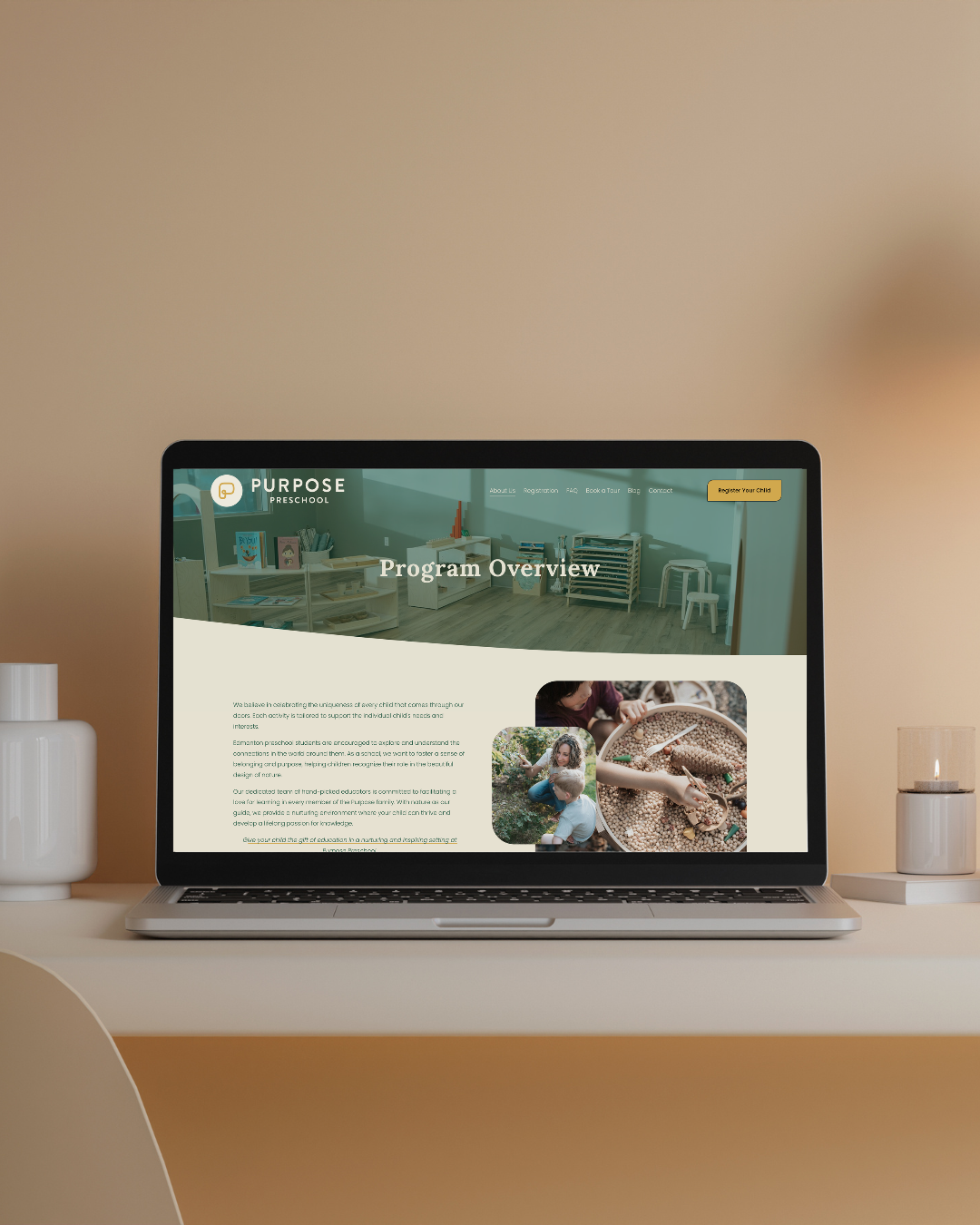
What Makes a Good Squarespace Website?
Setting websites up for success requires a few elements. Here’s what you need beyond the polished appearance, and what Edmonton Social Media infuses into each website build—a site that turns visitors into bookings, inquiries, and sales.
A chosen template based on structure, not just looks.
Clear navigation and a strong homepage call-to-action as an obvious next step.
Consistent branding across fonts, colours, and imagery.
SEO that goes beyond the basics, starting with page titles, meta descriptions, alt text, URL slugs, and headings.
Mobile optimization and page speed.
Copy that actually speaks to your customer.
Trust signals including reviews, credentials, and contact info.
All of these things put together help your website show up in front of your clients when they’re browsing online.
How Can I Get Professional Help with My Squarespace Website Design?
Building and designing a website on your own can feel daunting. When you just need to throw up a landing page for a launch, that’s a reasonable DIY. But once you need design, copy, SEO, and strategy, a website designer can ease the stress.
If you’ve never worked with a professional designer before, the process can be a bit of a mystery. Here’s how we approach each of our Squarespace website design projects.
Website Design Discovery
Before any design starts, we start by gathering information about you and your business. Who you are, what you do, what makes you unique, and what goals you want your website to achieve. This information will help guide all the further steps of your website design.
Website Content Gathering
When most people think about design, they think about the appearance of a website. But content is the monumental piece that clients underestimate. It’s the content in your copy, your story, your experience, and your photos that truly helps connect to your ideal client.
The Edmonton Social Media Marketing team is ready to help revitalize your content. Our in-house photographers can take updated photos to highlight your visual brand. We also have a copywriter on-hand to help tell your story in your voice, in a way your ideal clients can really hear it.
Website Design & Build
With a clear understanding of what you do and the content we’ve gathered or created for you, we start the design phase in Squarespace. All of our choices are based on competitor research, your unique business, and the goals you shared in the discovery phase.
We do a thorough review with you before the site goes live, and provide up to two revisions, if there’s anything that doesn’t resonate with your design.
SEO & Tech Set-Up
A website isn’t ready for launch until it’s fully optimized for SEO and connected to any scheduling apps. Whether you’re linking to Jane for health and wellness bookings, Trainerize for personal coaching, or your CRM, we make sure your business is ready to handle incoming inquiries and bookings from your site visitors.
Launch Your Website and Hand it Off!
Once everything has been tested and you’re happy with your website, it’s ready to launch! We supply you with some easy-to-follow guides and resources you need to oversee your site. You’ll learn how to create blog posts, make alterations to the site, and manage the content, so you can control the edits as your business blossoms and evolves.
See our portfolio of websites that we designed and launched for some of our amazing clients.
FAQs
Is Squarespace good for SEO?
Yes, Squarespace covers the technical basics out of the box: clean URLs, automatic site maps, security, mobile-friendly design, and editable meta data.
That gives you a solid starting point with the tools to help you create useful content and target smart keywords. You need it all to satisfy Google and get cited in LLMs.
Is Squarespace better than Wix or WordPress?
Squarespace or Wix or Wordpress? Which one is the best? The answer really depends on your needs.
At Edmonton Social Media, we choose Squarespace for our clients because it suits businesses that want a polished, professional site, without dealing with plugins, hosting, or security updates.
Wix has more drag-and-drop freedom, but sites can get messy as they grow. WordPress is often the most scalable, but you’re responsible for upkeep, or you have to pay someone to handle it.
If you value clean design and low maintenance, Squarespace is usually the strongest choice.
Can I switch templates on Squarespace later?
Not in the traditional sense. Squarespace 7.1 doesn’t have traditional template switching, because every site uses the same base and you customize the look using style settings, sections, and layout tweaks.
That means you can change fonts, colours, layouts, and page structure whenever you like. Your template is really just a starting point, so you’re never stuck with your first choice.
Does Squarespace work for Canadian businesses?
Squarespace can absolutely work for Canadian businesses. Canadian dollars are a supported store currency, and Squarespace Payments supports merchants in 15 countries, including Canada.